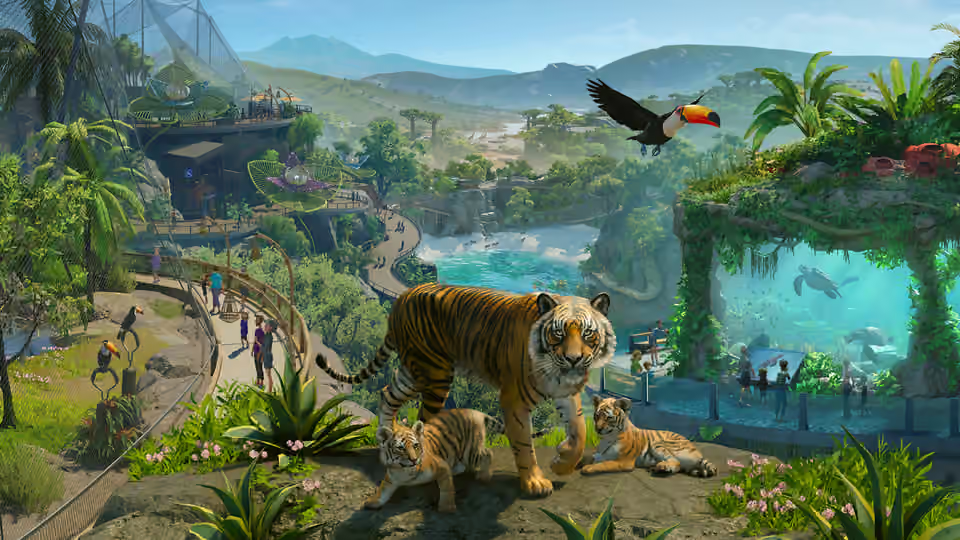
Planet Zoo 2 is available on PS5. It launched on 13 October 2026 and supports a gamepad or a mouse and keyboard. The console version has a building complexity meter, so planning a very large zoo involves a platform limit as well as your budget and animal care.
Support and US store details were checked on 20 October 2026. This guide explains the published options; it does not provide a measured frame-rate, resolution or PS5 Pro comparison.
Choose the PS5 version and the right edition
Choose the product named Planet Zoo 2 and check that its platform is PS5. There are no announced plans for a previous-generation console release; a PS5 listing does not establish a PS4 version.
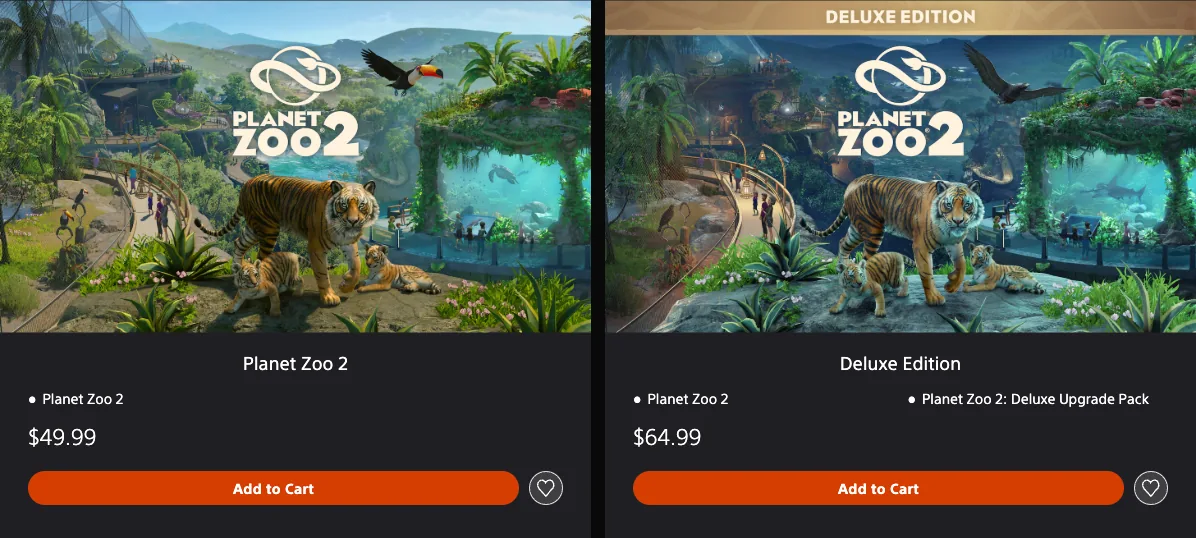
The US PlayStation store lists the base game at $49.99 and Deluxe Edition at $64.99 on the date above. Deluxe bundles the game with the Deluxe Upgrade Pack: six additional animal species and exclusive animal signs. You do not need Deluxe simply to choose Career, Franchise or Sandbox.
Before paying, check your account region, the selected edition and the included items on the checkout screen. These are dated US prices rather than a worldwide price or a promise that a sale will remain active.
Pick your input before learning the building tools
Both gamepad and mouse-and-keyboard play are supported on console. Choose the input you intend to use for normal building, then use the matching prompts in the game. A controller diagram labelled with Xbox buttons is not a verified PS5 button map.
The basic actions worth finding before your first large construction project are:
- Open the object browser and move between its tabs.
- Move, tilt, rotate and zoom the camera.
- Select an object and cancel or close the current action.
- Open the zoo management tools and Planet Hub.
- Find the building, path and terrain tools for the task you are performing.
For keyboard-and-mouse play, the published shortcuts include P to pause the simulation, F10 for the game manual, F11 for the Zoopedia and H for heatmaps. Ctrl+Z undoes and Ctrl+Y redoes. Keyboard controls can be remapped, so check your current bindings if a shortcut behaves differently.
These are keyboard actions, not substitutes for the PS5 controller prompts. Use the in-game help for the current gamepad action instead of translating an Xbox button name by position.
Plan around the console complexity meter
The console build cap is represented by a complexity meter. Keep an eye on it while expanding your zoo; having cash available does not remove that limit.
A practical way to reduce the risk of committing to an oversized plan is to establish one working area first, inspect the meter, then repeat the parts you actually need. Check the meter before placing a large downloaded blueprint or adding several densely decorated areas. These are planning precautions, not measured claims about how much capacity a particular animal, building or blueprint consumes.
There is no verified universal animal count, guest count or object budget in this guide. It also cannot convert a meter percentage into a promised frame rate. The PS5 store carries a PS5 Pro Enhanced label, but that label alone does not specify a rendering mode or prove a particular performance gain.
Separate offline play, Franchise and Workshop access
Once the game is downloaded, offline play is available. Franchise requires an internet connection, and downloading or sharing Workshop content also requires connectivity.
| What you want to do | Connection consideration |
|---|---|
| Play offline after downloading | Supported for offline play; do not choose Franchise for an offline session |
| Use Franchise mode | Internet connection required |
| Download blueprints or share creations | Internet connection required |
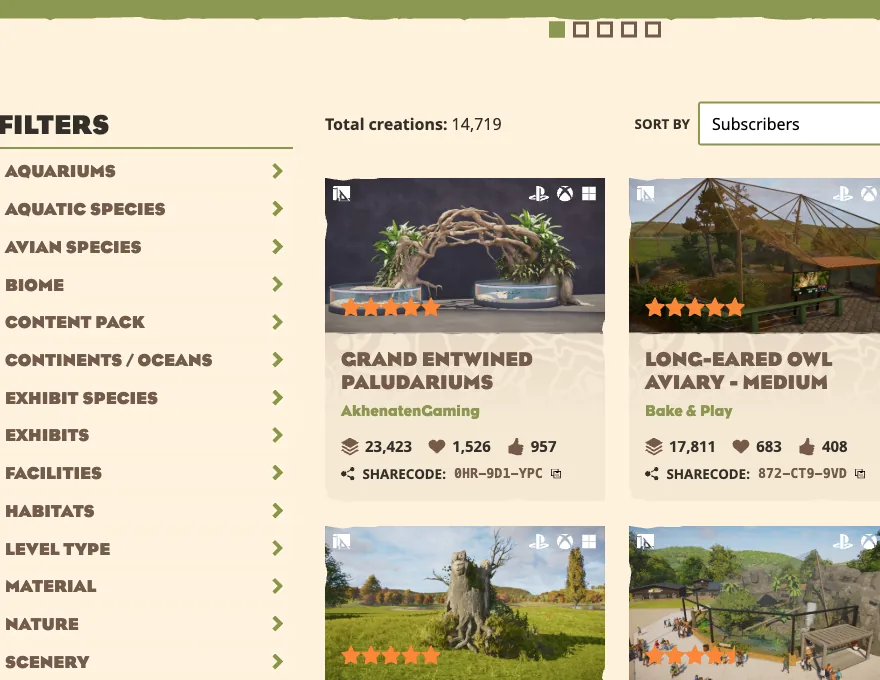
| Visit the community's creations through Workshop | Sharing and downloads are supported across platforms |
| Build a zoo together in a live co-op session | Multiplayer is not supported |
Cross-platform Workshop sharing means access to creations made by players on other supported platforms. It does not mean co-op construction, and it does not establish that your saves or purchased add-ons transfer between stores.
Read subscription and streaming labels carefully
The PS5 product listing says online play optional and lists one player. It also says PS5 and PS Portal cloud streaming is supported only with a Premium subscription. That cloud-streaming condition is distinct from the purchase of the installed PS5 game.
As of the check date, there is no confirmed PS Plus catalogue inclusion in the supplied platform information. Do not treat a streaming eligibility label as a promise that the game is included in your subscription. Confirm the game purchase, the subscription requirement and the way you intend to play separately.