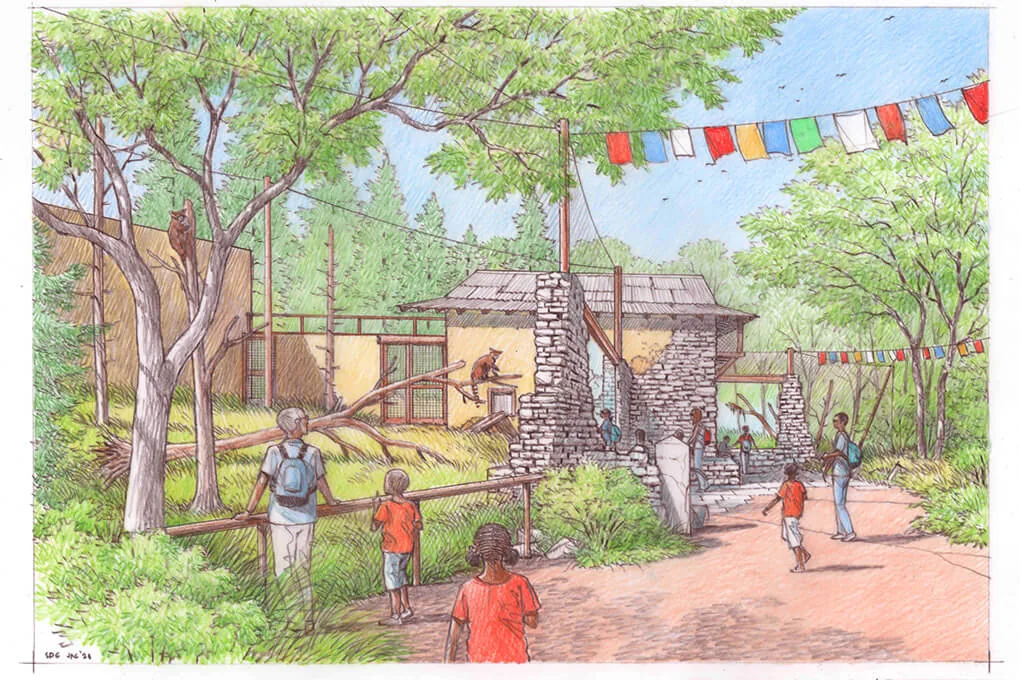
Planet Zoo 2 blueprint sharing is supported through Frontier Workshop, where players can upload their own creations and find community content. Before sharing, define what your creation contains, review it from several viewpoints and explain the work another player needs to do after placing it.
This guide is updated on 12 October 2026 before the 13 October launch. Exact upload buttons, file formats, account requirements, supported metadata fields and cross-platform procedures are not verified here. Follow the actual Workshop prompts in the released game, using the preparation steps below to make the creation clear and reviewable.
The practical goal is a useful handoff. Another player should understand whether they are receiving a building, scenery shell, habitat component or larger project, and whether it is ready to operate or still needs local setup.
Define the creation's scope
Start by deciding what you are sharing. A decorative facade, a complete-looking restaurant building and an animal habitat are different deliverables. Their descriptions should not imply the same level of completion.
Write a one-sentence scope statement before preparing screenshots. For example, describe a rounded visitor-building shell intended for a themed plaza, with operating services to be checked locally. That tells a recipient what the creation does without claiming that every facility or route is included.
Keep the boundaries visible. If the surrounding landscape is only presentation, do not describe it as part of the creation. If the habitat shown includes additional work outside the saved project, identify that dependency in your intended description.
A narrow, accurate scope is more useful than an inflated promise. It helps another player decide whether the creation fits their zoo before they spend time adapting it.
Finish the parts you are promising
Review every part named in the scope statement. If the creation is a building, inspect its roof, walls, entrances and ground contact. If it is a larger scene, inspect the transitions between its components.
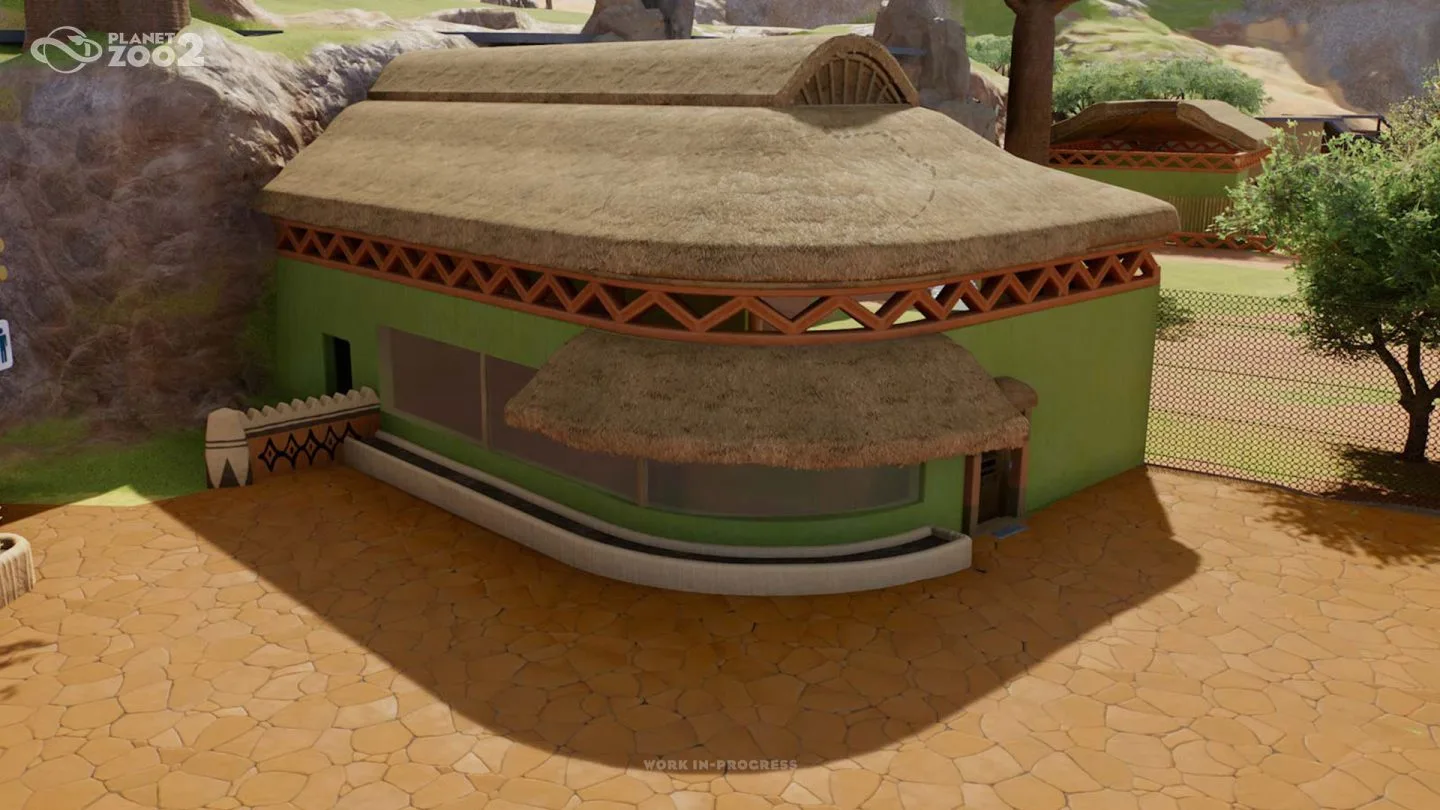
The rounded building illustrates a clear architectural object with a distinctive roof and glazed front. Use this example to think about what the recipient should be able to identify in a finished-building view. It is a design illustration, not a claim that this exact structure has been uploaded to Frontier Workshop.
Resolve unintended gaps and unclear edges before calling the project complete. A decorative corner can be deliberately partial, but that intention needs to match the scope you describe.
Avoid promising an entire operating area when you have only finished its most attractive face. Share the actual result with an accurate description rather than relying on the recipient to discover the missing work.
Review the whole creation beyond its best angle
A strong preview can show the creation clearly while still leaving blind spots. Inspect the back, sides, roof and the relationship to terrain before choosing how to present it.
Planet Zoo 2's marketing builders describe scenes dressed for specific camera perspectives. That can produce an effective image, but a shared creation needs to remain understandable when another player rotates the camera or places it in a different context.
Review the object from above and at guest level. The broad view reveals footprint and component relationships; the lower view shows proportions, entrances and visual details.
If a part is intentionally designed for one viewpoint, describe it as such. A scene or facade can be useful for that purpose. The problem is presenting a viewpoint-specific build as a complete structure that works equally from every direction.
Separate included content from local setup
Another player's zoo has its own terrain, paths, utilities, animals and staff. A shared creation should make clear which parts it supplies and which parts require local inspection or construction.
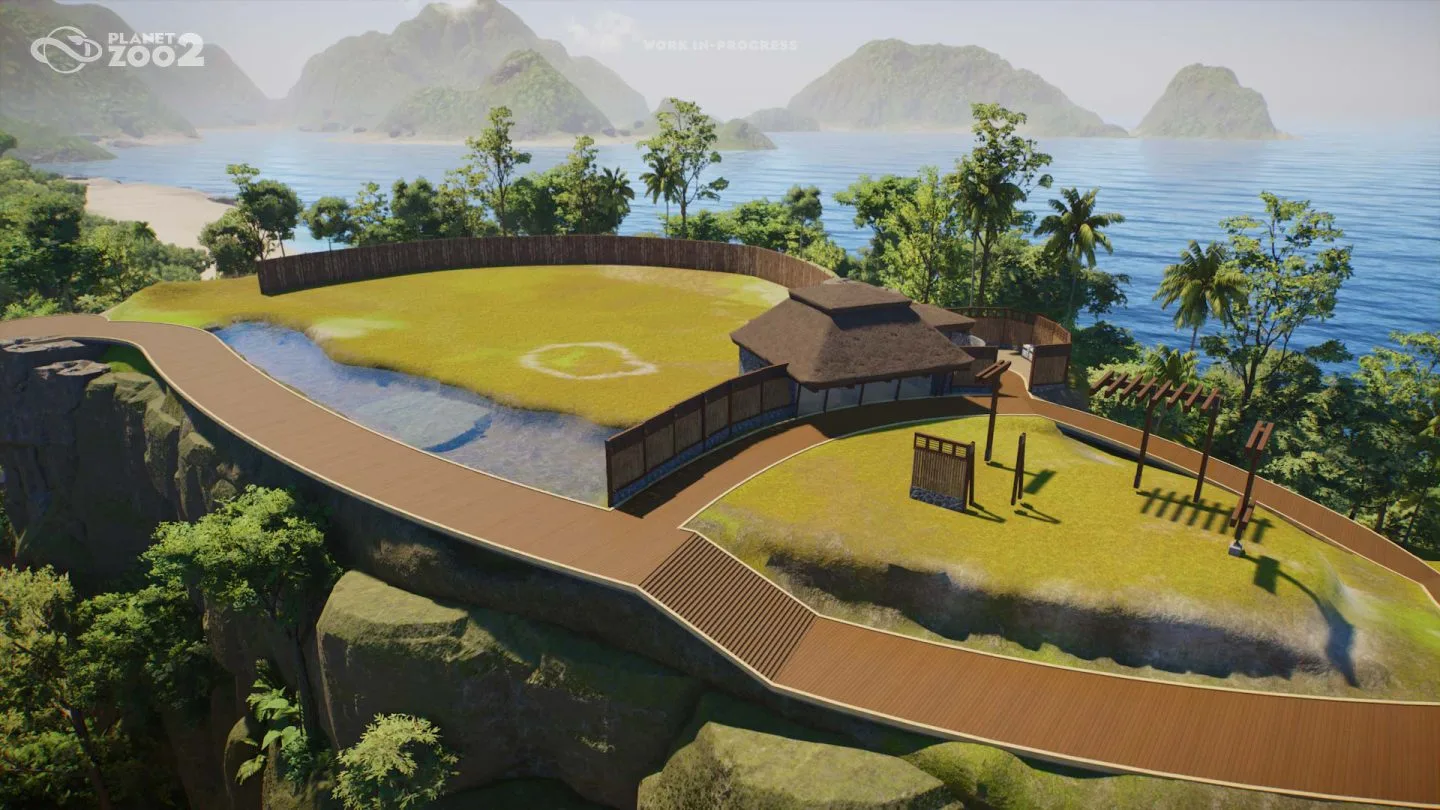
The habitat blockout shows how land, water, buildings and paths form a larger project. When sharing a component from a project like this, identify the component's boundary rather than letting the full scene imply everything is included.
Do not assume a blueprint always carries path connections, assignments or utility arrangements. Those format and transfer details are not established in this prerelease guide. Check the actual saved contents and the behaviour of your creation in the release game.
A useful description can say what the recipient needs to verify after placement. Keep that explanation specific to the creation rather than adding a generic list of every system in the zoo.
Explain the intended function
Name the job the creation is meant to support. A visitor building may provide space for a guest service; a support structure may be intended near animal-care work; a reserve design may serve a conservation or research setting.
Then distinguish architecture from operation. Vendors serve shops and restaurants, Keepers feed and care for animals, Mechanics maintain facilities and habitats, and Vets treat sick animals and conduct research. If your creation is only a shell around those functions, say so in the description you prepare.
This is not a reason to understate useful work. A well-designed shell can save another player significant design effort. It simply needs a clear explanation of the remaining setup.
Avoid claiming a staffing ratio, guest capacity or service effect that you have not verified for the actual creation. Describe the structure and intended use, then report observed behaviour only after the release game supports it.
Check animal-related claims carefully
A habitat creation should identify its intended species or animal type without replacing the game's requirements. Animals have species-specific needs for food, water, space, terrain, plants, social conditions and enrichment.
If you intend to describe a habitat as suitable, verify the applicable conditions in the released game. A natural-looking scene or an animal posed inside it is not sufficient evidence by itself.
Fully aquatic animals use custom aquariums with filtration and keeper access. Flying animals use aviaries with barriers, support poles and dynamic mesh covers. Include the relevant home type in your scope while keeping exact values tied to actual verification.
Do not attach a universal welfare guarantee to a decorative habitat design. If the recipient will need to check and adjust it for their animals, make that remaining work explicit in your intended description.
Prepare useful views for the recipient
Choose views that answer different questions. A broad view can show the footprint, a front or guest-level view can show the main approach, and a detail view can explain a distinctive feature.
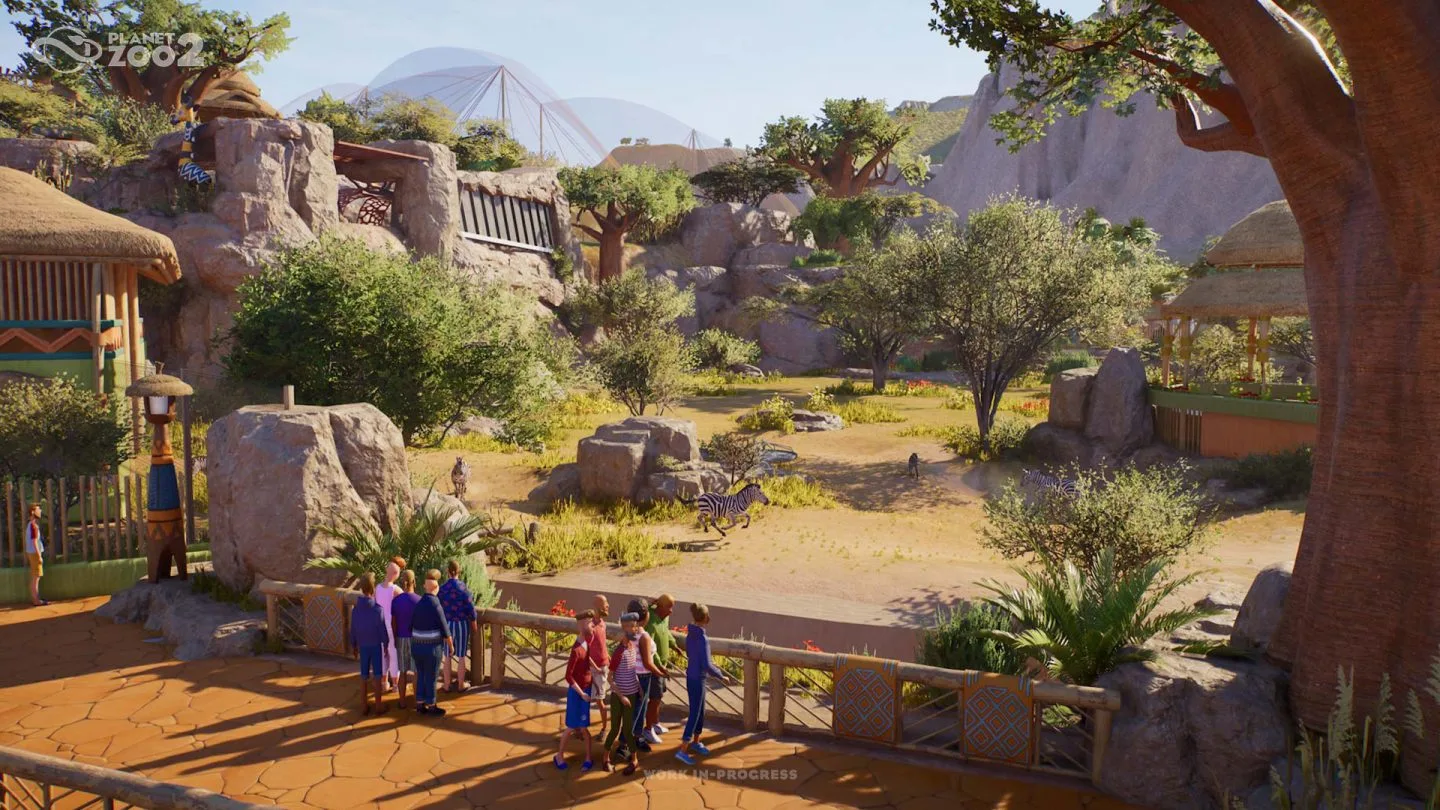
The visitor route beside rocks, planting and coordinated structures illustrates how a context view can show the creation's relationship to surrounding scenery. If the context contains work outside the shared scope, identify that distinction in the description.
Avoid several near-identical images that only repeat the same facade. They may look polished while leaving the recipient uncertain about the back, the entrances or the overall scale.
These are presentation recommendations, not a claim that the Workshop offers a specific number of screenshot slots. Use whatever media options the actual sharing flow provides to communicate the creation's scope clearly.
Write a practical description
A useful description begins with the creation's identity and purpose. Then explain its scope, intended setting and the setup another player needs to check. Add verified requirements where the game or your actual test establishes them.
Prefer concrete language. Describing a thatched visitor-building shell for a planted plaza tells a recipient more than calling it an ultimate realistic zoo asset. The description should help them decide whether it fits their current project.
Do not invent dependency fields or claim that an older content pack is required because you recognise a style. Record only requirements that are actually applicable to the released game and the creation you are sharing.
Keep uncertainty narrow. If a transfer detail has not been verified, say what still needs checking rather than implying the whole creation is unusable. A clear limit can make the useful parts easier to trust.
Verify the placed result before making performance claims
Use the released game's actual placement and sharing options to inspect the creation as a recipient would use it. Confirm what is included, what needs local connection and whether its intended function works after that setup.
Do not treat a successful save or upload as proof of animal welfare, guest satisfaction or operating efficiency. Those are separate outcomes that require an actual local review.
If you describe the creation as tested, tie the claim to what you checked. A placement check, a view review and an operating check are different forms of verification. Avoid implying a complete playthrough from a short inspection.
For financial or performance claims, keep exact values within the context of the observation. This prerelease guide cannot establish construction costs, object-count limits or platform performance thresholds for a particular blueprint.
Follow the actual Frontier Workshop sharing flow
Once the creation and description are ready, use the upload options shown by Frontier Workshop in your released copy of Planet Zoo 2. Read the actual prompts and requirements before committing to the publication.
The confirmed capability is that players can upload their creations and use community content. This guide does not provide an assumed sequence of account links, platform menus or export buttons.
If the flow asks for information you have prepared, supply the accurate scope and purpose rather than revising them into a broader claim. If it presents a requirement you have not verified, resolve that item before describing the creation as ready for everyone.
Do not use an original-game Steam Workshop procedure as a substitute. The sequel's confirmed service and the actual release interface should determine the steps.
Check the published presentation
After sharing, inspect the result through whatever preview or listing view the game provides. Confirm that the name, description and available images identify the same creation and do not accidentally imply a larger scope.
Check whether the most useful view appears clearly and whether the remaining setup information is easy to understand. If the presentation is confusing, correct the concrete problem rather than adding more promotional wording.
Where the sharing service provides an identifier or accessible listing reference, retain it for your own records. This is a practical way to find the result again, not a claim about a particular URL or item-ID format.
If another player reports a problem, separate placement, missing setup and the creation's actual contents before deciding what to change. A precise scope makes those reports easier to investigate.
Share a result you can explain
Before calling the task complete, review these points:
- The creation has a clear identity and intended use.
- Its promised parts have been finished and inspected.
- The recipient can understand the included scope.
- Local setup and verified requirements are explained.
- The selected views answer different practical questions.
- Animal or operating claims match what was actually checked.
- The published presentation matches the creation you intended to share.
You do not need to make every blueprint a complete zoo system. A small, well-defined creation can be highly useful when its boundaries and purpose are clear.
The successful handoff is a creation another player can evaluate, place and adapt with an accurate understanding of what they received. Keep that outcome at the centre of the sharing process, from the first scope statement to the final Workshop presentation.