
If Planet Zoo 2 reports too little navigable shelter area, check whether the selected animal can actually get underneath a large enough covered structure. Open the Shelter Heatmap and compare the usable result with that species' current needs. A roof that looks sheltered to you can still be unsuitable for the animal.
Frontier confirms that shelters must fit the animal and block sunlight or rain. This guide uses those published rules to diagnose the warning; it does not claim a universal roof height, a guaranteed toucan workaround or an independently reproduced shelter bug.
Check the warning before rebuilding
| What you see | What to inspect | First useful change |
|---|---|---|
| Shelter looks complete but does not count | Shelter Heatmap and space underneath | Make enough covered space for the selected species |
| One species is satisfied and another is not | Each animal's requirements | Assess the second species separately |
| A premade shelter is hard to find | Browser category and species filter | Open Bedding, Shelters, and Nests > Shelter |
| A custom shelter remains unsuitable | Actual cover and animal access | Check the entrance and usable area beneath the structure |
| The shelter warning is gone but welfare remains low | Animal Info Panel | Resolve the remaining welfare need instead |
Read the selected animal's Info Panel and Zoopedia entry first. Habitat size, flying space, shelter and nesting can be separate needs. An enclosed aviary does not establish that every bird's shelter requirement is met, and a nest does not automatically answer the shelter question.
Find a suitable premade shelter
Open the Habitats menu in the Browser, then Bedding, Shelters, and Nests > Shelter. Filter by the species you are trying to house. Frontier provides this route specifically for finding appropriate premade shelters.
Place the shelter within the habitat and check the Shelter Heatmap. Make sure the animal can fit underneath it. The official habitat guide explicitly warns that a shelter too small for an animal will not count toward its shelter requirement.
Use a species-compatible premade shelter as a comparison when a custom build is difficult to diagnose. This is a troubleshooting method: it helps you distinguish the shelter design from a different unmet need. It is not a promise that every blueprint or placement will be valid.
Check a custom roof, cave or overhang
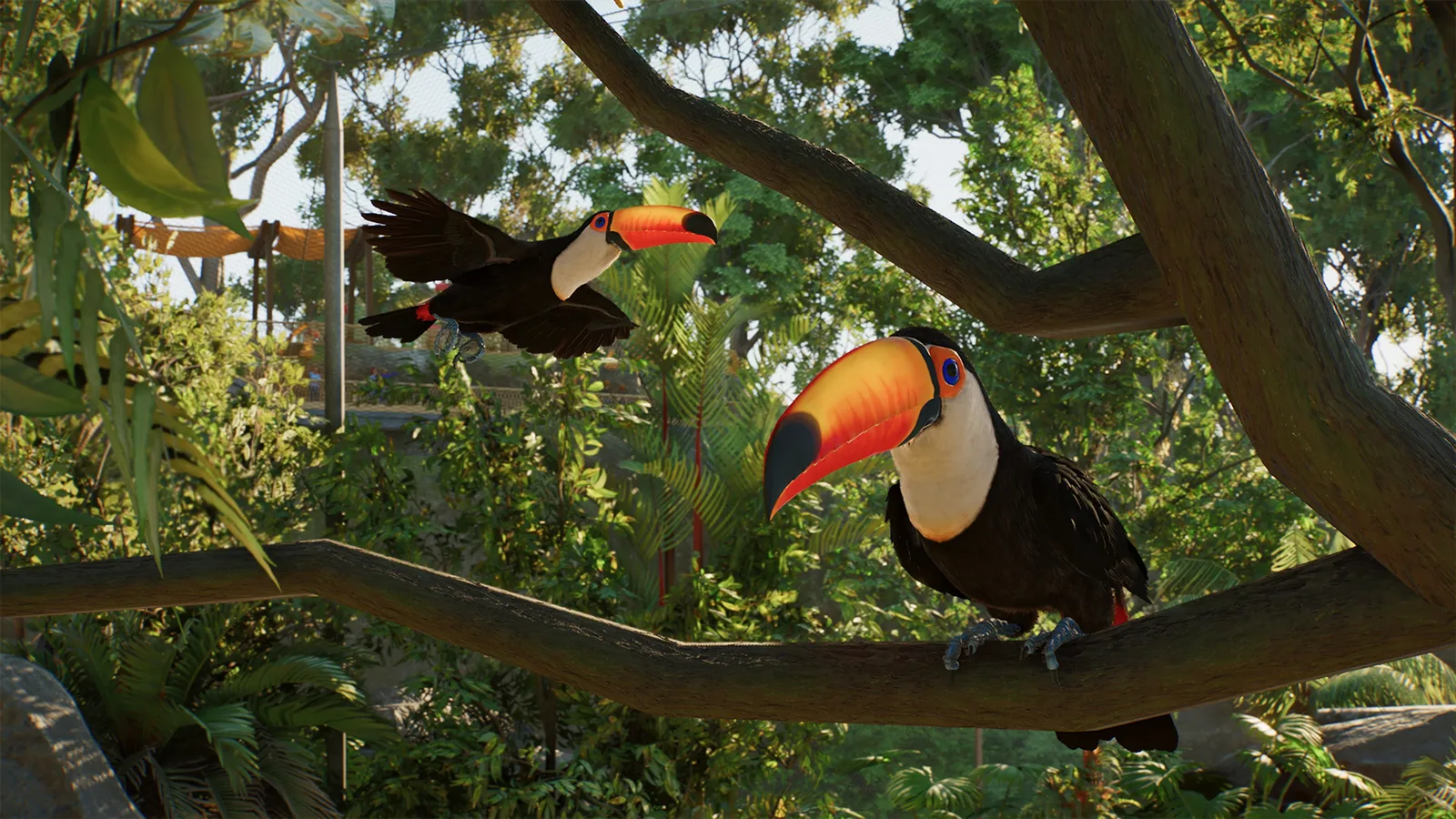
Custom shelters can use compatible scenery walls and roofs, or natural objects such as rocks to form caves and overhangs. The functional requirement is protection from sunlight or rain with enough usable space underneath.
Inspect the entrance and the interior rather than only the roof's footprint. If the animal cannot get under the structure, adding more roof above the same inaccessible space does not address the published rule. Adjust the relevant structure, then inspect the heatmap again.
Avoid changing the whole habitat at once. A small change to the entrance or covered interior is easier to evaluate than a complete rebuild. Read the animal's resulting shelter state after each meaningful adjustment.
Some species can use special Burrow objects as shelter. Check that the object is appropriate for the species before treating it as an alternative; burrows are not a universal replacement for every shelter.
Separate shelter from aviary and nesting needs
Flying species also need suitable aviaries, space, enrichment and other care. Use the aviary size guide when the unresolved condition concerns flying room.
If the animal needs a nest for breeding, inspect Nesting Sites in its Overview screen and provide the appropriate accessible nest. That is a reproductive requirement covered in the breeding guide. It should be checked alongside shelter rather than substituted for it.
Once the shelter requirement is satisfied, return to the animal's other needs. Hunger, social population, temperature or stress can keep welfare low even after the covered area is accepted. The welfare guide provides the next diagnostic steps.
If the shelter still does not register
Confirm the species, the specific warning and the heatmap result after your change. Keep a record of the shelter object or custom pieces involved. Those details are more useful for a reproducible support report than a screenshot of the roof alone.
Use the current game version and report a persistent inconsistency through Frontier's support channels. Do not assume an older game's fixed clearance values or an unverified social-media trick applies to Planet Zoo 2.
Sources: Frontier animal guide — Shelter and How To Build Shelter, Habitats and Exhibits — Habitat Welfare. Reviewed on 17 October 2026; published instructions, without independent gameplay testing.