
For an insufficient water filtration warning in Planet Zoo 2, check the pipe connection, power and the filtration rate against network demand. Aquariums connect through the node on their Staff Gate. Natural habitat water needs a Water Pump connected to the filtration network. Placing a filter nearby does not complete those connections.
Frontier states that filtration rate must exceed aquarium demand to prevent water cleanliness declining. More water and more animals increase demand, so a network that worked before an expansion may need additional connected filters.
Diagnose the filtration warning
| Check | What to look for | Next action |
|---|---|---|
| Aquarium connection | Pipe to the Aquarium Staff Gate node | Connect the aquarium to the intended filtration network |
| Natural habitat water | Active network and Water Pump coverage | Connect a pump whose radius intersects the water body |
| Water Filter power | Nearby functioning power source | Restore power to the filter |
| Network capacity | Required flow and provided filtration rate | Add connected filtration capacity if demand is higher |
| Facility condition | Filter condition and mechanic access | Restore a path to the maintenance panel and service it |
| Water versus tank cleanliness | The two separate cleanliness readings | Use filtration for water and Keepers for the tank |
Open Edit Filtration Network to inspect the existing connections and required flow. Check the network serving the affected water rather than a different filter elsewhere in the zoo.
Connect an aquarium correctly
Place a Water Filter from Facilities > Utilities. Select Edit Filtration Network and build a pipe between the filtration building and the aquarium's node. The aquarium connection is on its Staff Gate.
Make sure the filter has power. Water Filters are facilities that need a nearby functioning power source. If a generator breaks down, facilities in its service area can lose power and the filtration system can stop working.
Check the filter's condition and maintenance access as well. Filtration buildings deteriorate and need Mechanics; the maintenance panel must be reachable by a path. A connected but unmaintained facility is a different problem from an undersized network.
Increase filtration rate when demand rises
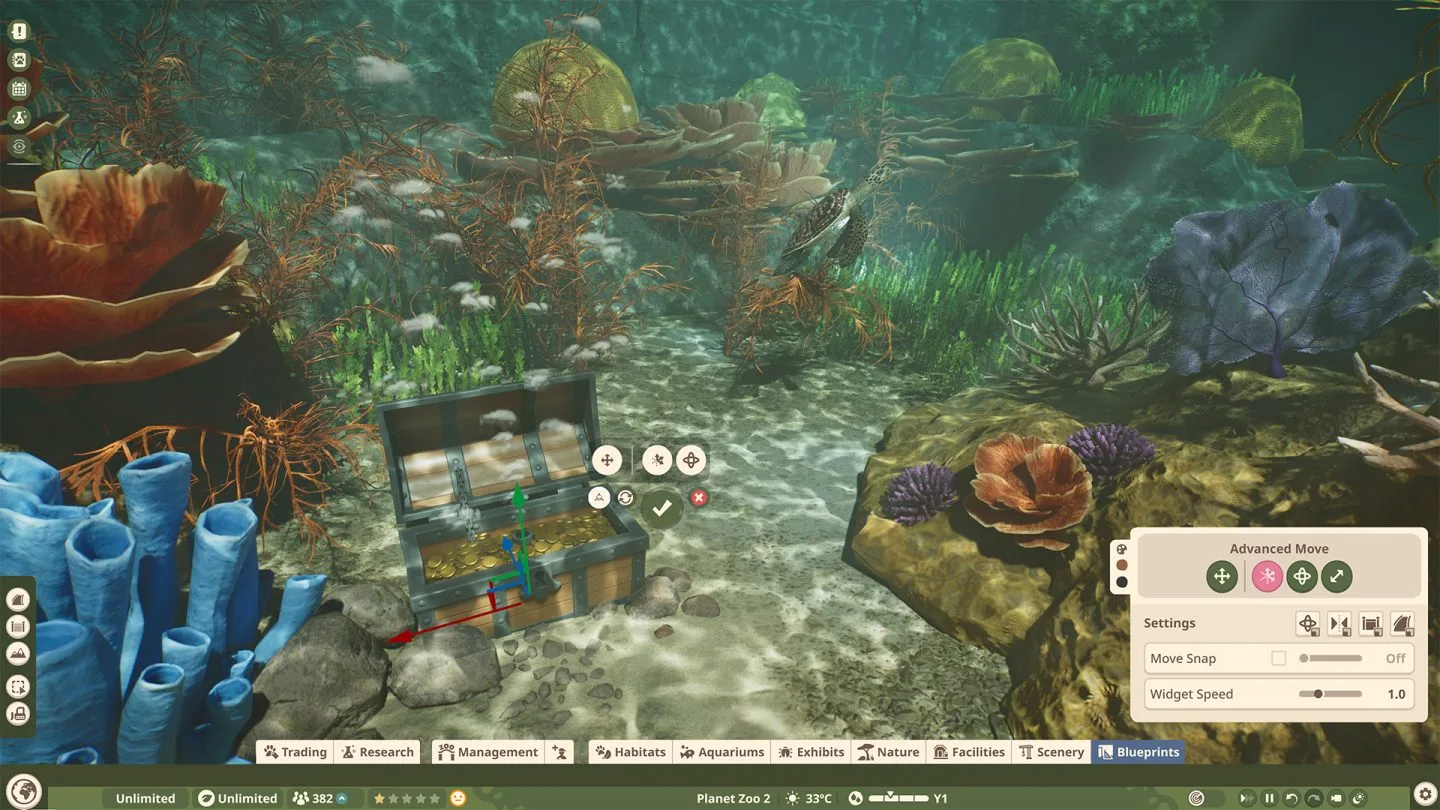
Aquarium demand depends on water volume and the number of animals. An expanded tank or a larger population can therefore outgrow its previous filtration provision.
Multiple filtration buildings can join the same network. If the displayed rate is too low, connect additional capacity to that network and check the resulting rate against demand. A second filter that remains disconnected will not increase the affected network's capacity.
The official guide gives a general single-filter area example, but also describes volume and animal population as demand factors. Use the current network readings for your aquarium rather than calculating an exact filter count from floor area alone.
Water cleanliness declines when demand is unmet. Frontier says it can recover after filtration demand is met; the guide does not establish an instant cleanup timer. Inspect the cleanliness trend after restoring the network.
Natural habitat water uses a Water Pump
For a pond or other natural water body inside a habitat, add a Water Pump to an active filtration network. Frontier states that water bodies intersecting the pump's radius can be cleaned.
Check both parts: the pump must connect to the network, and its radius must reach the water body. Water volume also affects the rate required to prevent cleanliness falling. This differs from an aquarium's Staff Gate node connection.
The same network can affect salinity across connected water bodies. Verify species requirements before changing it. Terrestrial animals need freshwater as drinking water, while aquarium species may require freshwater, brackish water or saltwater. See the aquarium requirements guide for the wider care checks.
Tank cleanliness and temperature need separate checks
A working filtration network cleans aquarium water. Keepers entering the aquarium restore tank cleanliness; low water cleanliness makes tank cleanliness fall faster. Check the relevant reading before adding more filters to solve a keeper task.
Temperature is another separate condition. A powered aquarium Staff Gate allows temperature configuration in the aquarium's Environment tab. Fixing filtration does not automatically establish a suitable temperature or salinity for every resident.
If warnings persist, record the network's connections, rate, demand, power and facility condition. Use those details when reporting a reproducible issue rather than assuming every cleanliness warning has the same cause.
Sources: Frontier aquarium guide, Building Your Zoo — Filtration Buildings, Water Pumps and Power. Reviewed on 17 October 2026; published instructions, without independent gameplay testing.