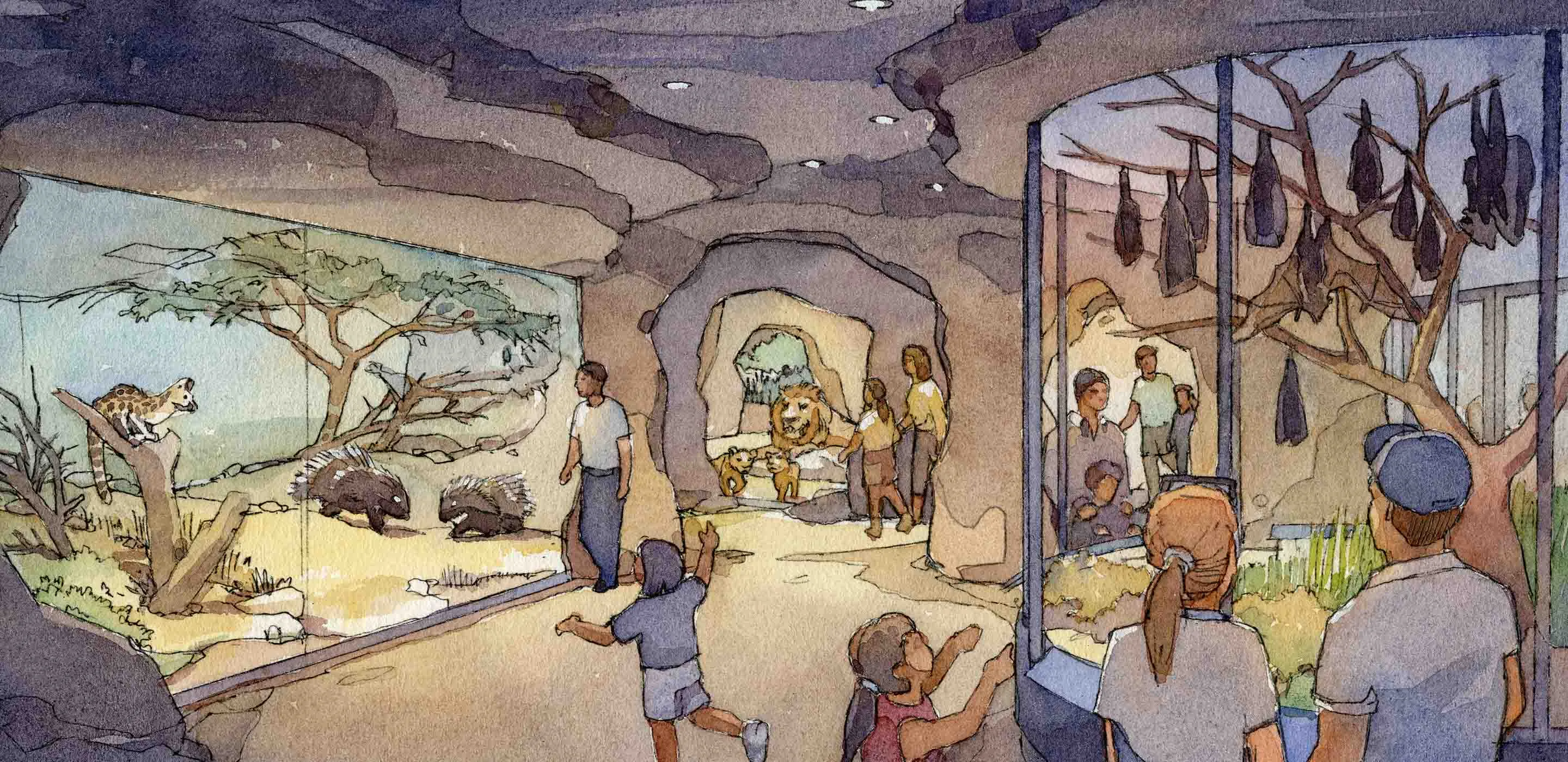
Planet Zoo 2 staff management is built around hiring for specific jobs, providing support facilities, assigning Work Zones and maintaining manageable workloads. Staff satisfaction depends on training, sufficient salary and the work they are expected to do. Exact staffing ratios, wage values and task-priority rules are not verified in this guide, updated on 12 October 2026 before the 13 October launch.
Start with the jobs your current zoo needs to complete. Match them to the confirmed staff roles, arrange facilities around the areas they support and review workloads before expanding. A headcount alone does not show whether the zoo's care and guest services are covered.
One useful change from the original game is that staff facilities and utilities do not need to be hidden from guests. Guests can enjoy seeing Vets and Keepers caring for animals, which gives you more freedom to place practical support near the work.
Hire for the work that exists
The confirmed roles cover animal care, maintenance, guest service, cleanliness, veterinary work and education. Use them as a way to identify which job is missing rather than hiring several people without a specific purpose.
| Staff role | Confirmed responsibility | Planning question |
|---|---|---|
| Caretaker | Keep the zoo clean and tidy | Which visitor areas need reliable cleaning |
| Keeper | Feed and care for animals | Which habitats need regular animal-care support |
| Mechanic | Maintain facilities and habitats | Which infrastructure and habitat maintenance jobs need coverage |
| Vendor | Serve guests at shops and restaurants | Which operating guest services need people |
| Vet | Treat sick animals and conduct research | How will care and research demands be supported |
| Educator | Give talks and educate guests | Which animal-viewing areas need an education plan |
This table does not establish a fixed number of staff per building or habitat. The appropriate allocation depends on your actual zoo and the workload shown in the game.
Before hiring, state what the new member of staff is meant to solve. If you cannot identify the job, review the existing arrangement first. The problem might be a poorly placed facility or an unfinished area rather than an insufficient number of workers.
Plan care facilities with the habitats
Staff support belongs in the habitat plan. Keepers feed and care for animals, and the building process described for Planet Zoo 2 includes placing Keeper Huts near the habitats they support.
A nearby support area can be designed as part of the zoo rather than treated as an unwanted building to push into a distant corner. Staff facilities no longer have the original game's negative effect on guests, and guests can appreciate visible animal care.
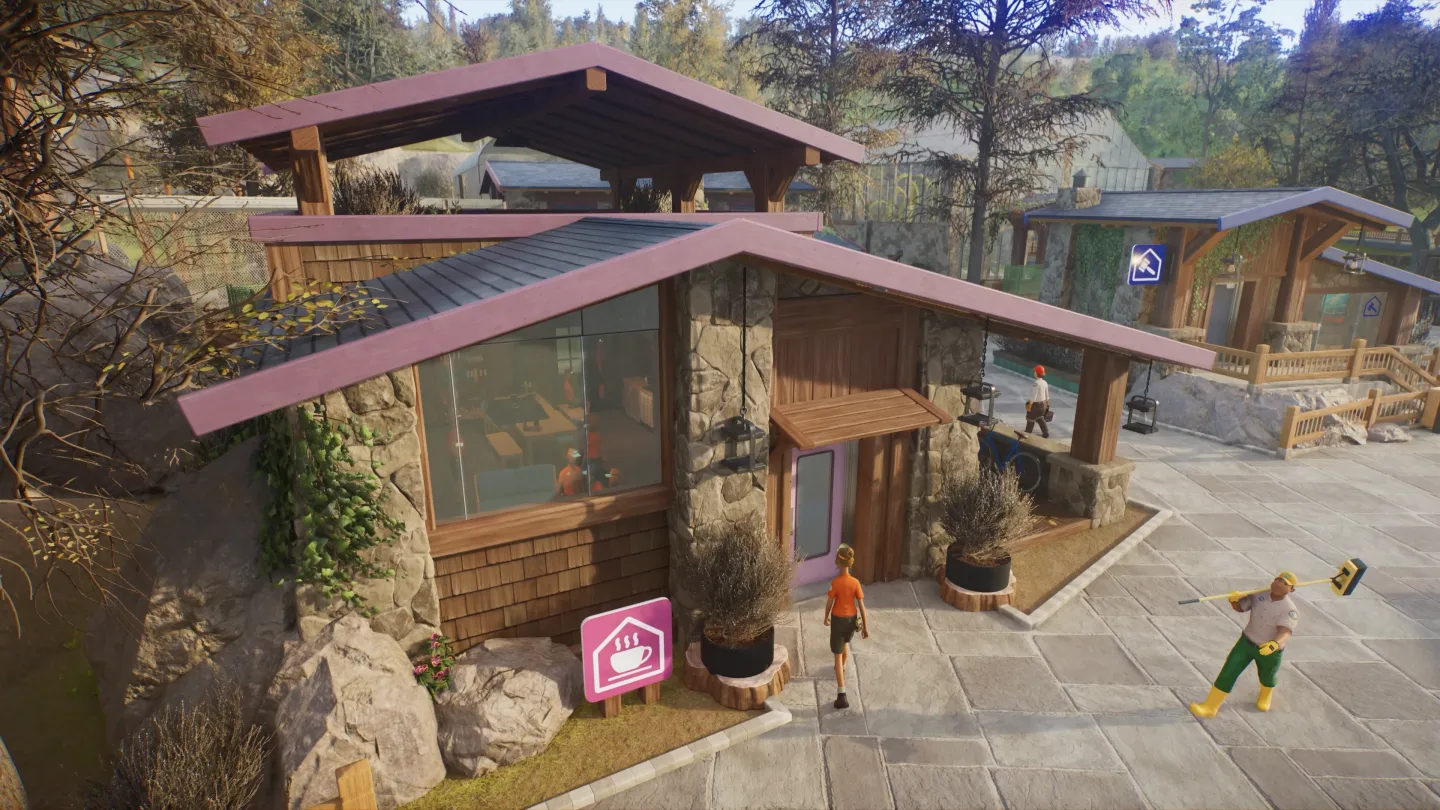
The glazed staff buildings show how a care area can sit beside ordinary circulation space. Use the scene to consider visibility, access and the relationship between the building and surrounding work. It does not prove a particular staff capacity or service radius.
Keep the building's function in view while decorating it. A visually convincing staff complex still needs to support the jobs and animals around it. Check actual access and facility information in the game rather than assuming the scenery arrangement makes it work.
Organise Work Zones around manageable areas
Staff can be assigned to Work Zones that divide the zoo into manageable sections. Think of a zone as a way to connect a set of jobs with the people and facilities intended to support them.
Start with a clear area, such as the first cluster of habitats or a guest-service section. Identify the responsibilities inside it and the nearby support that makes those responsibilities practical. This is planning advice; the guide does not claim an exact optimal zone size or a universal assignment pattern.
Use boundaries you can explain. A zone that combines distant, unrelated areas can be harder to review than one built around a coherent section of the zoo. Likewise, dividing everything into tiny zones can create unnecessary bookkeeping if you cannot say what each division improves.
When the zoo expands, review the zones deliberately. Adding a habitat or restaurant changes the work in its area. Do not assume an assignment designed for a smaller zoo still provides the coverage you intended.
Keep guest services connected to the visitor route
Vendors serve shops and restaurants, while Caretakers keep the zoo tidy and Educators support guest learning. Those jobs need to be considered wherever guests actually spend time.
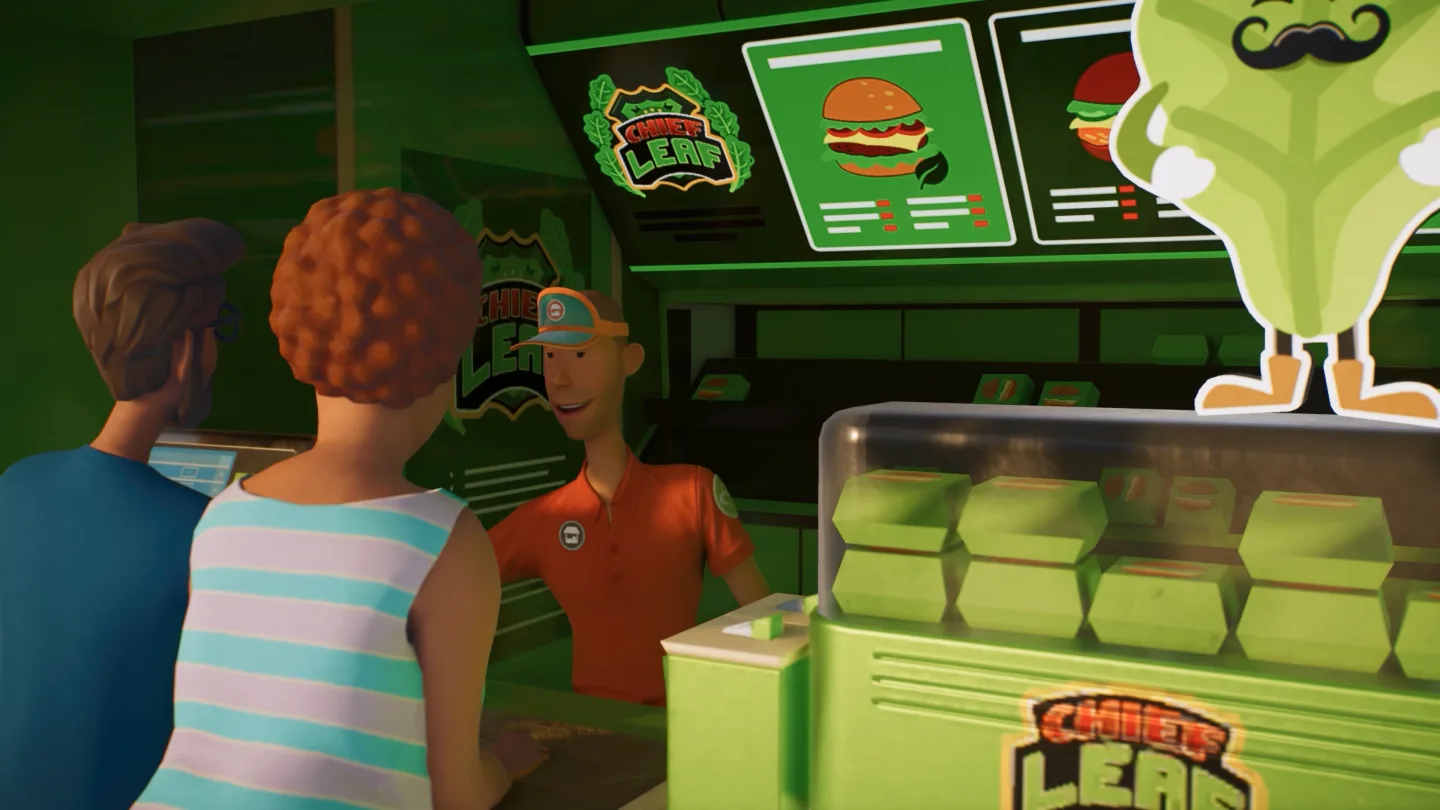
The vendor counter illustrates the difference between constructing a service and operating it. A finished shop front is only part of the guest-service arrangement; the people serving it belong in the staffing plan.
Guests need toilets, food, drink and places to rest. Education can involve Animal Talks, speakers, boards, web cams and tours. As a section grows, consider which services and education opportunities belong there, then identify the roles supporting them.
Do not use a beautiful guest area as evidence that all its operational needs are covered. Review the jobs associated with the area and the feedback guests provide. A staffing problem and a missing amenity can produce different follow-up actions even when they are noticed in the same place.
Balance veterinary care with research ambitions
Vets treat sick animals and conduct research. Research unlocks items, improved welfare options and opportunities for reserve release. That makes veterinary work important to both immediate care and longer-term progression.
Plan those goals together. If your zoo requires attention for sick animals, do not assume the same staffing arrangement has unlimited capacity for a large research project. The final task-priority rules and staffing ratios are not established here, so inspect the workload your actual zoo creates.
Separate your urgent care needs from research milestones. A current health issue needs investigation and veterinary support, while a Thriving or reserve-release project needs a clear research goal. Naming both helps you judge what staffing change would actually help.
Avoid hiring solely to accelerate an assumed research rate. Without verified values, the guide cannot calculate a best number of Vets or guarantee that an extra hire produces a particular completion time.
Review workload before adjusting salary
Training, sufficient pay and manageable workload all help staff remain satisfied. No single part should be treated as a universal fix for every unhappy employee.
If a staff member appears dissatisfied, inspect the information the game provides about their situation. Identify whether the concern relates to pay, training, work demands or another stated condition. Then make a targeted adjustment.
A higher salary does not make an impractical service arrangement easier to understand. Likewise, a new Work Zone does not establish that pay is appropriate. Keep the causes separate so you can evaluate the result of the change.
Staff can quit when unhappy. That gives satisfaction a practical role in operating the zoo, rather than making it an optional cosmetic score. Review it when expanding, reassigning work or introducing a new section with different service demands.
Train with a purpose
Training is confirmed to contribute to staff satisfaction. This prerelease guide does not provide training costs, tier names or exact efficiency gains, so it cannot rank a universal training order.
Connect training to the staff member's job and your current goals. If you are reviewing a care section, focus on the workers supporting that area. If a guest section is growing, review the roles attached to its services.
Keep training decisions within the zoo's financial plan. Hiring, salaries and other running costs use funds that also support animal care and construction. An attractive training plan still needs to fit the work you are doing now.
After a training change, inspect the actual result. Do not assume a particular improvement because a similar system in the original game had that effect. Record the outcome shown in your version and use it when planning the next change.
Build scenery around working facilities
Guests and staff like spending time in a scenic zoo. Planet Zoo 2 lets you decorate facilities, and staff buildings can be opened up by stripping down walls. Small details can make the area feel like a workplace rather than a hidden service box.
Use decoration to support the visual story of the zoo while keeping entrances and working space clear. A mug, cupboard or book stack can make a staff building feel lived in, but those details should follow the facility's layout rather than determine it.
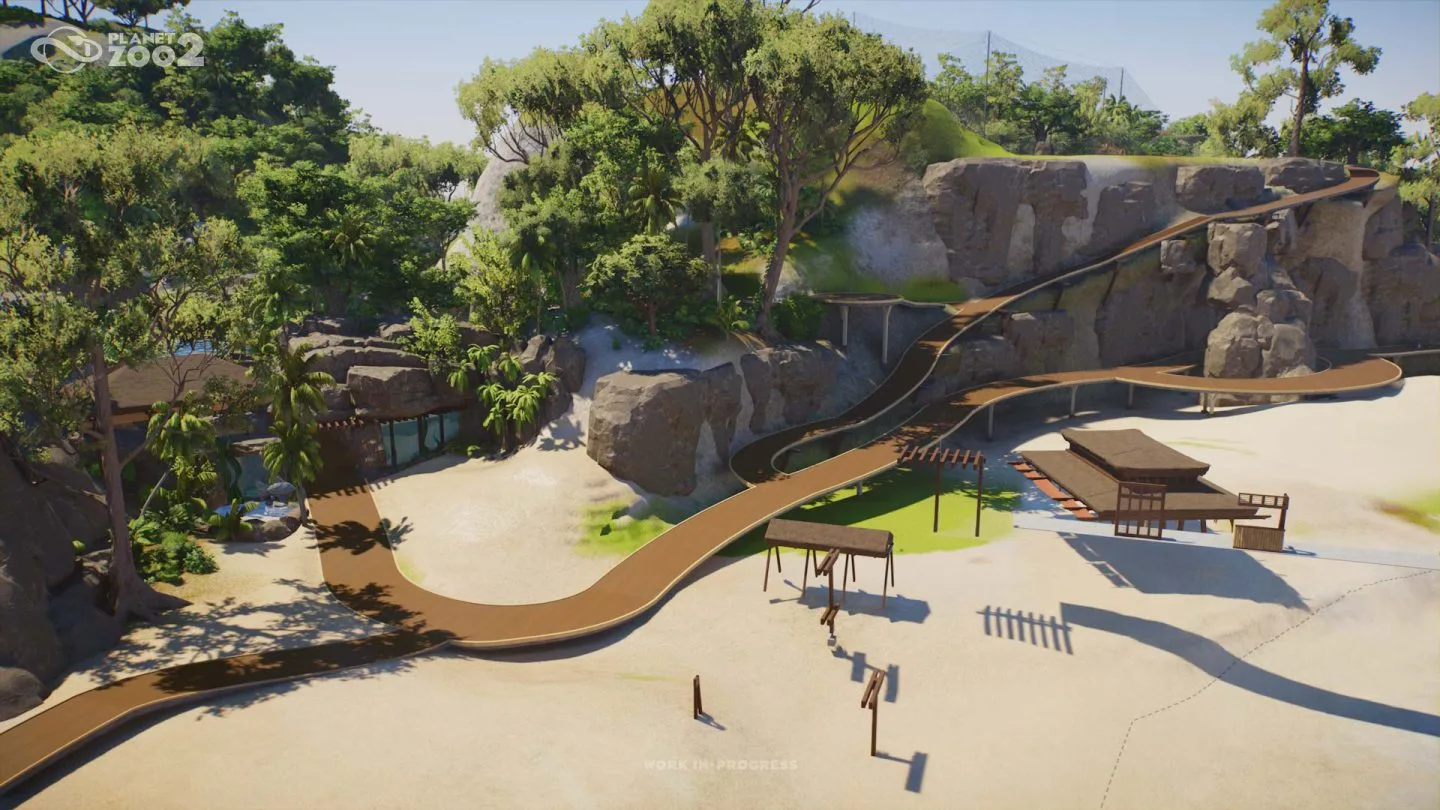
The zoo blockout shows paths, buildings and habitat space before fine decoration. This is the stage to reserve practical service areas. Adding them afterward can force changes to paths or structures you have already detailed.
There is no need to inherit the old habit of hiding every staff building far from guests. Visibility can be part of the visitor experience, provided the building and surrounding scenery fit the zoo's plan.
Expand one operating area at a time
When opening a new area, identify its jobs before treating construction as complete. A habitat brings animal-care responsibilities; guest facilities bring service and cleaning demands; education and research plans add their own work.
Use this expansion review:
- List the new jobs created by the area.
- Match those jobs to the confirmed staff roles.
- Identify the facilities and utilities supporting them.
- Check how the area fits existing Work Zones.
- Review the workload of staff already assigned there.
- Hire, train or reassign only for an identified need.
- Inspect satisfaction and task completion once the section is operating.
The sequence is a practical commissioning checklist, not a claim about a required game tutorial order.
Keep animal welfare visible during expansion. New construction should not leave existing care poorly supported. The goal is a functioning additional section with the people and facilities it needs.
Diagnose work that is not getting done
Start with the unfinished job, rather than the employee count. Identify what should happen, where it should happen and which role performs it. Then inspect the relevant assignment, access, facilities and workload using the information available in the game.
For animal feeding, examine Keeper support and the care arrangement around the habitat. For maintenance, identify the facilities or habitat work involved and the Mechanic coverage. For shops, review Vendor support and the actual service state.
Avoid claiming a pathing bug before checking the operating plan. Also avoid treating every delay as a need for another hire. The final game's feedback should guide the diagnosis.
Change one specific cause where practical and review the outcome. This gives you evidence about what helped and prevents a large round of hiring from obscuring a simple facility or assignment problem.
Keep staff management tied to zoo performance
Zoo Reputation considers Animal Husbandry, Sustainability, Guest Education and Guest Experience. Staff contribute to the work behind those outcomes, even though this guide does not assign a numerical score to any individual hire.
Review whether care, maintenance, service and education are producing the results you intended. A fully staffed roster is only useful if the zoo's jobs are supported and staff remain satisfied.
Keep a short operational note for each area: major responsibilities, current support and the next issue to resolve. Update it when the zoo changes rather than building an elaborate staffing spreadsheet before you know the game's actual values.
A successful arrangement is one you can explain: these roles support these jobs in this area, their workload is manageable and the facilities fit the route they need. Use that explanation as your test when deciding whether the next expansion is ready.